
Easy ordering
Browse, customize, and check out without the back-and-forth.
Your favorite meals, a few taps away
Browse the menu, customize your order, schedule pickup or delivery, track its progress, and earn rewards—from your phone, tablet, or computer.
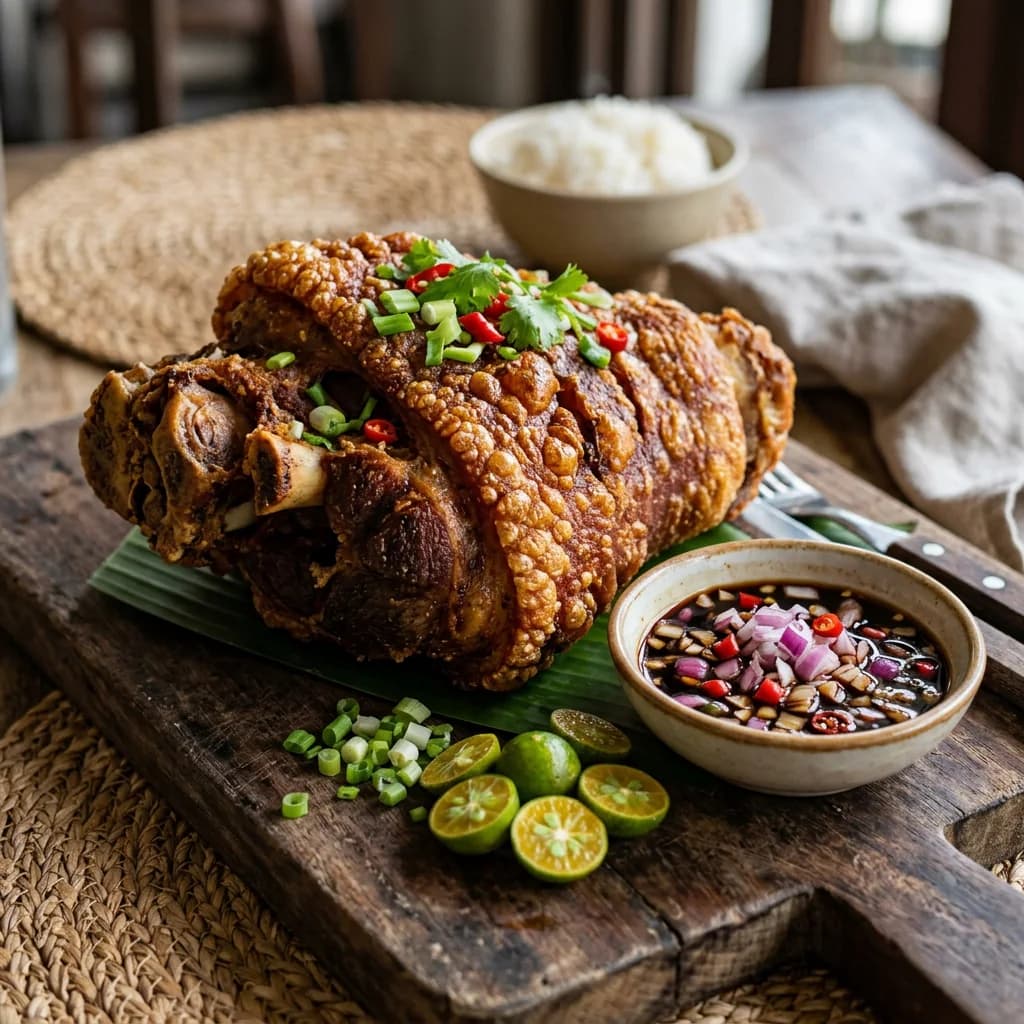
Branch menu
Browse, customize, and check out without the back-and-forth.
Choose an available pickup or delivery time that fits your day.
Follow each step from confirmation to ready or delivered.
Collect KusiPoints and unlock eligible savings as you return.
From the kitchen
Explore a sample of Kusinely favorites. Select a branch in the full menu to see live prices, serving options, and availability.
See full menu
Golden chicken breast with ham, melted cheese, and a crisp crumb.

Tender beef and vegetables in a rich peanut sauce, made for sharing.

Crisp, savory spring rolls packed for gatherings and busy tables.
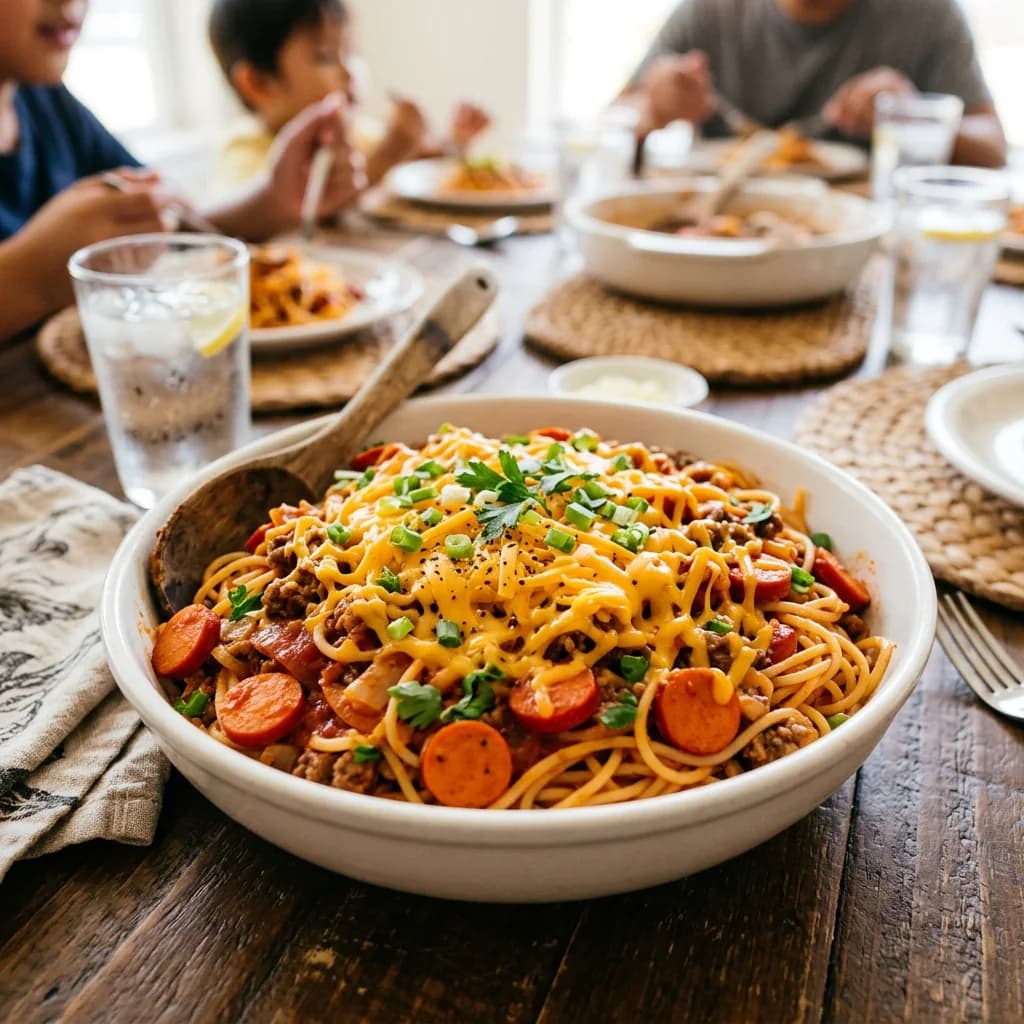
Sweet-style spaghetti with a hearty meat sauce and plenty of cheese.
Sample menu only. Live availability and pricing are confirmed after you choose a branch; unavailable items cannot be added to checkout.
From craving to confirmed
Each decision stays visible as you build the order.
Select the location that will prepare your order.
Browse the menu, pick a serving option, and review allergens.
Choose pickup, delivery, or an available scheduled slot.
See the full total, place the order, and track its status.
Suki rewards
Create a Kusinely account to collect KusiPoints, see eligible offers, and move through checkout faster.
for every ₱20 of eligible completed-order subtotal
Welcome voucher
Free delivery starter
Offer eligibility, live validity, branch availability, and remaining limits are always confirmed by Kusinely before checkout.
No app store needed
Use Kusinely like an app without downloading it from an app store. Add it to your home screen for faster access whenever you want to order.
Installation opens in the customer portal so your home-screen shortcut goes directly to ordering.
Kusinely is a responsive web app. It works on supported mobile browsers, tablets, laptops, and desktop computers. Native iOS and Android apps may be introduced in the future.
Open Kusinely using Safari.
Tap the Share button in the browser toolbar.
Scroll down and choose Add to Home Screen.
Confirm the name, then tap Add.
Open Kusinely from the new home screen icon.
Safari provides the most reliable iPhone and iPad installation flow.
Your order follows you
Plan a family tray from your laptop, compare dishes on a tablet, or check your order from your phone. The layout adapts without losing the details you need.




Built around the order
Customer tools focus on the practical things: finding a dish, choosing the right option, paying clearly, and knowing what happens next.
Find dishes by category, dietary tag, or allergen.
Choose an available tray or serving size before adding.
Schedule a supported pickup or delivery slot.
See only the payment methods configured for your branch.
Track rewards and apply one eligible offer at checkout.
Check received, preparing, ready, and delivery updates.
Final prices and eligibility are checked before placement.
Checkout confidence
Before you confirm, Kusinely keeps the branch, schedule, fulfillment choice, itemized charges, offer, and payment method together in one review.
Food, discount, delivery, tax, and service charges are shown separately when they apply.
Live prices and offer eligibility are confirmed again when the order is placed.
Order status, payment state, and branch context stay visible in order history.
For restaurant teams
The Kusinely Admin Portal brings branch menus, live orders, scheduled work, payments, loyalty, revenue, inventory, staff permissions, and audit history into one operational view.
Configured by branch and role.
Configured by branch and role.
Configured by branch and role.
Configured by branch and role.
Good to know
Branch-specific availability and payment choices are always shown inside the live customer portal.
Ask for helpNo. Kusinely works in a supported web browser. You can also add it to your phone or tablet home screen for faster access without visiting an app store.
Yes. The customer portal adapts to phones, tablets, laptops, and desktop computers, with your account, rewards, and order history available after sign-in.
When advance ordering is enabled, checkout shows the available pickup or delivery windows. A valid slot is confirmed before the order can be placed.
Your order history shows its reference and current status. You can follow it from received to preparing, ready for pickup or out for delivery, and completed.
Payment methods vary by branch. Checkout displays the currently configured options—such as supported e-wallets, online banking, or cash—before you place the order.
Eligible vouchers appear in My Offers and one voucher can be applied per order. KusiPoints are earned on eligible completed orders; any available redemption option is shown in your rewards wallet.
You can browse the menu first, but an account is required to check out, protect your order history, receive updates, and earn rewards.
A newly received order can be cancelled before preparation begins. Once the kitchen has started, a cancellation request requires branch approval because ingredients and preparation time may already be committed.
The branch menu reflects current availability before checkout. Delivery is confirmed only after a valid address and live quote are available; otherwise, you can adjust the order or choose pickup.
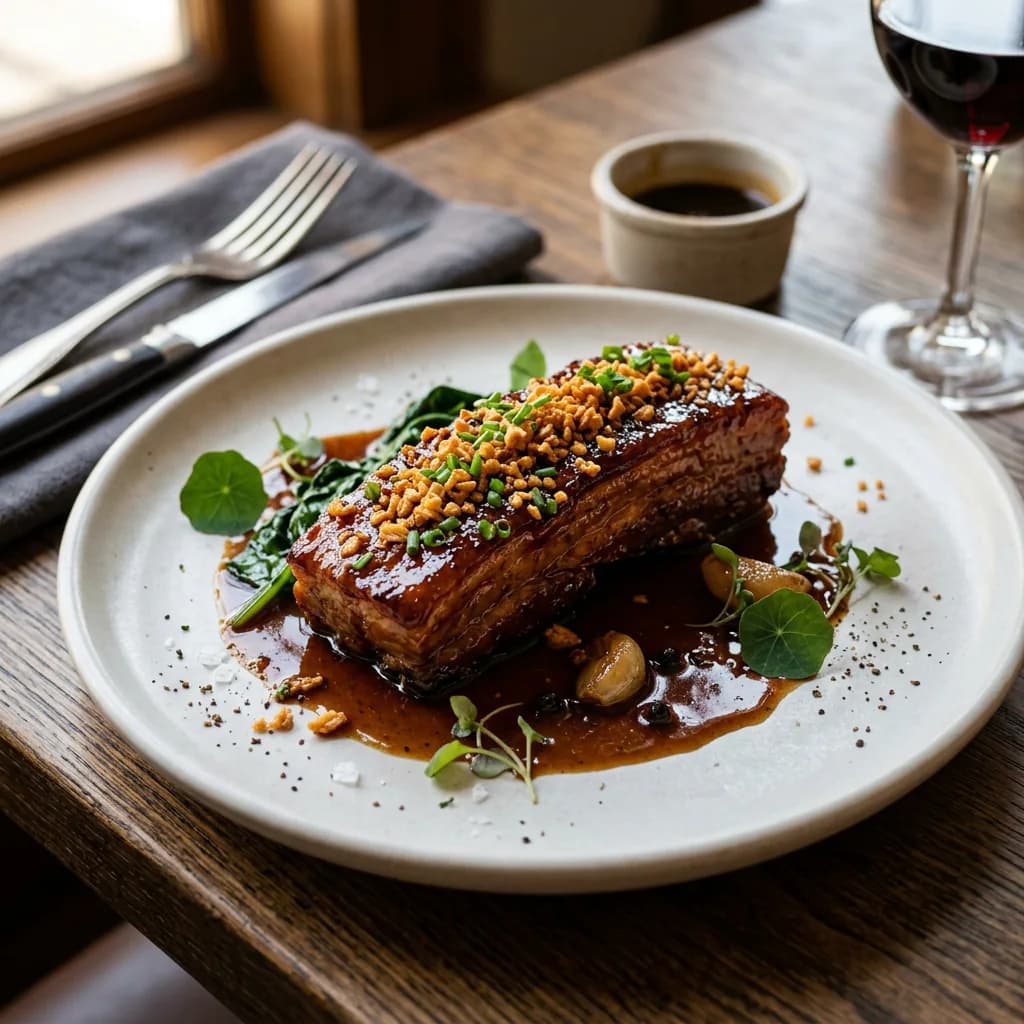
The next meal starts here
Discover available dishes, current offers, and ordering options from your preferred Kusinely branch.